Write faster. Get the words right.
Typefix completes sentences with Tab, corrects spelling and grammar as you type, and rewrites unclear text in one click.
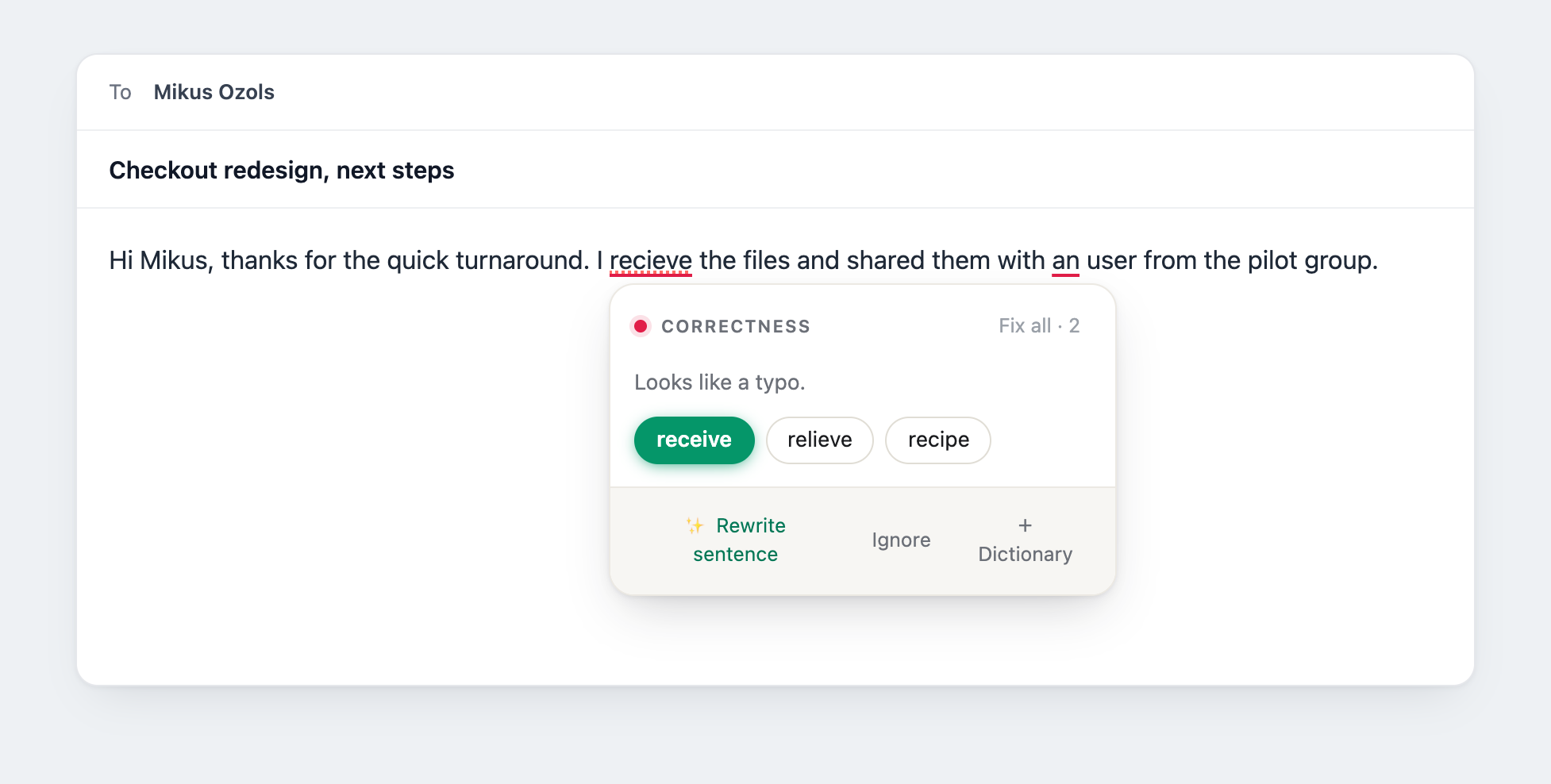
Writing help, right where you type.
Typefix runs in your browser, so it helps in your inbox, docs, chats, and social posts. Anywhere with a text field, with no copying, pasting, or breaking focus.
Fast enough to keep up. Accurate enough to trust. Reliable enough for daily work.
Local spelling and grammar checks respond right away, without waiting for a server, so suggestions appear while the thought is still fresh.
Corrections cover spelling, grammar, punctuation, articles, prepositions, tense, word choice, and phrasing, and Typefix stays quiet when nothing needs changing.
Core corrections keep working offline, AI features fail gracefully and never block your typing, and you can turn Typefix off on any site.
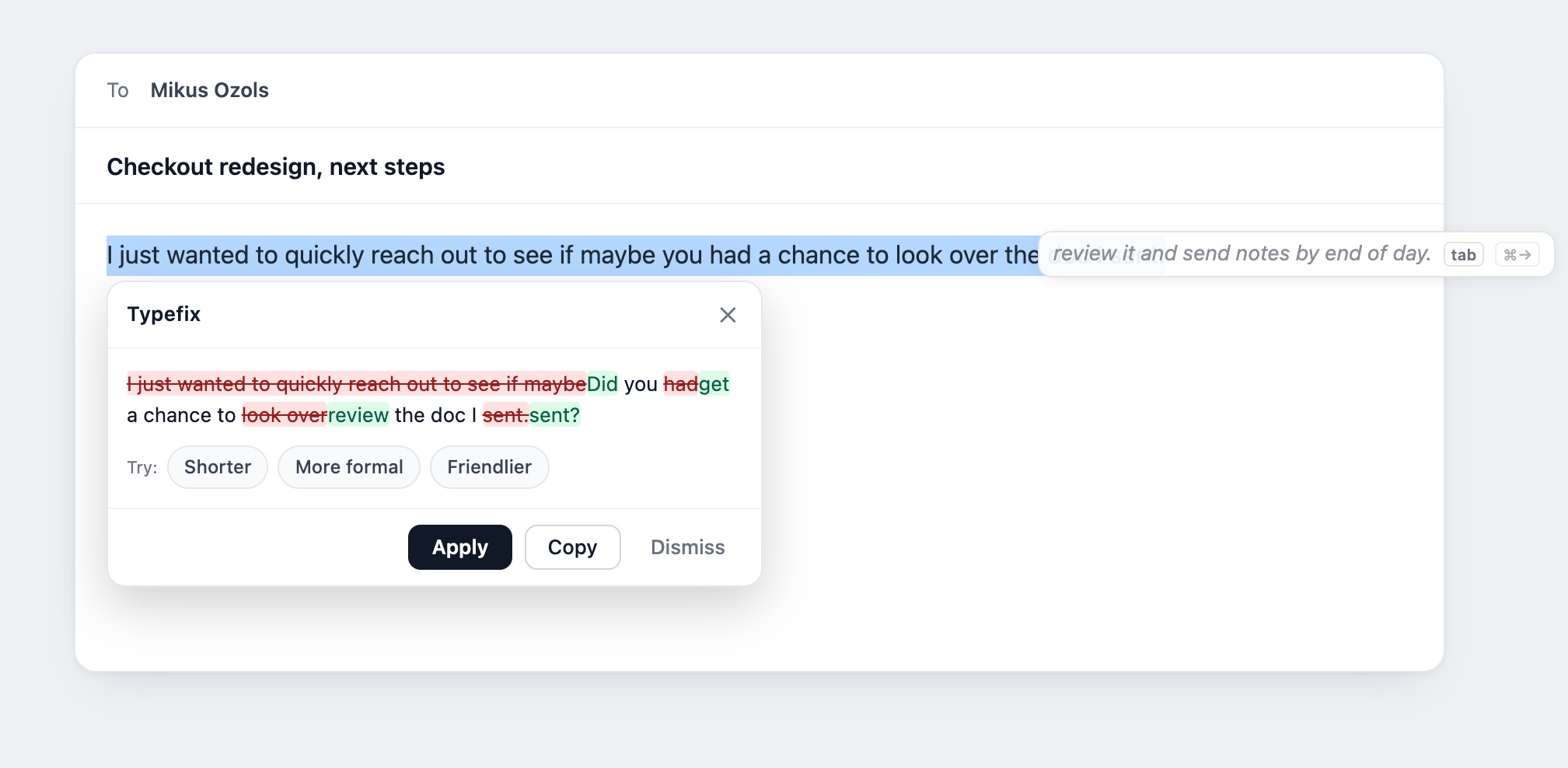
Rewrite in one click, in your voice
Make a sentence concise, friendly, or formal. Compare the result with the original before replacing anything, and the rewrite keeps your voice instead of flattening it.
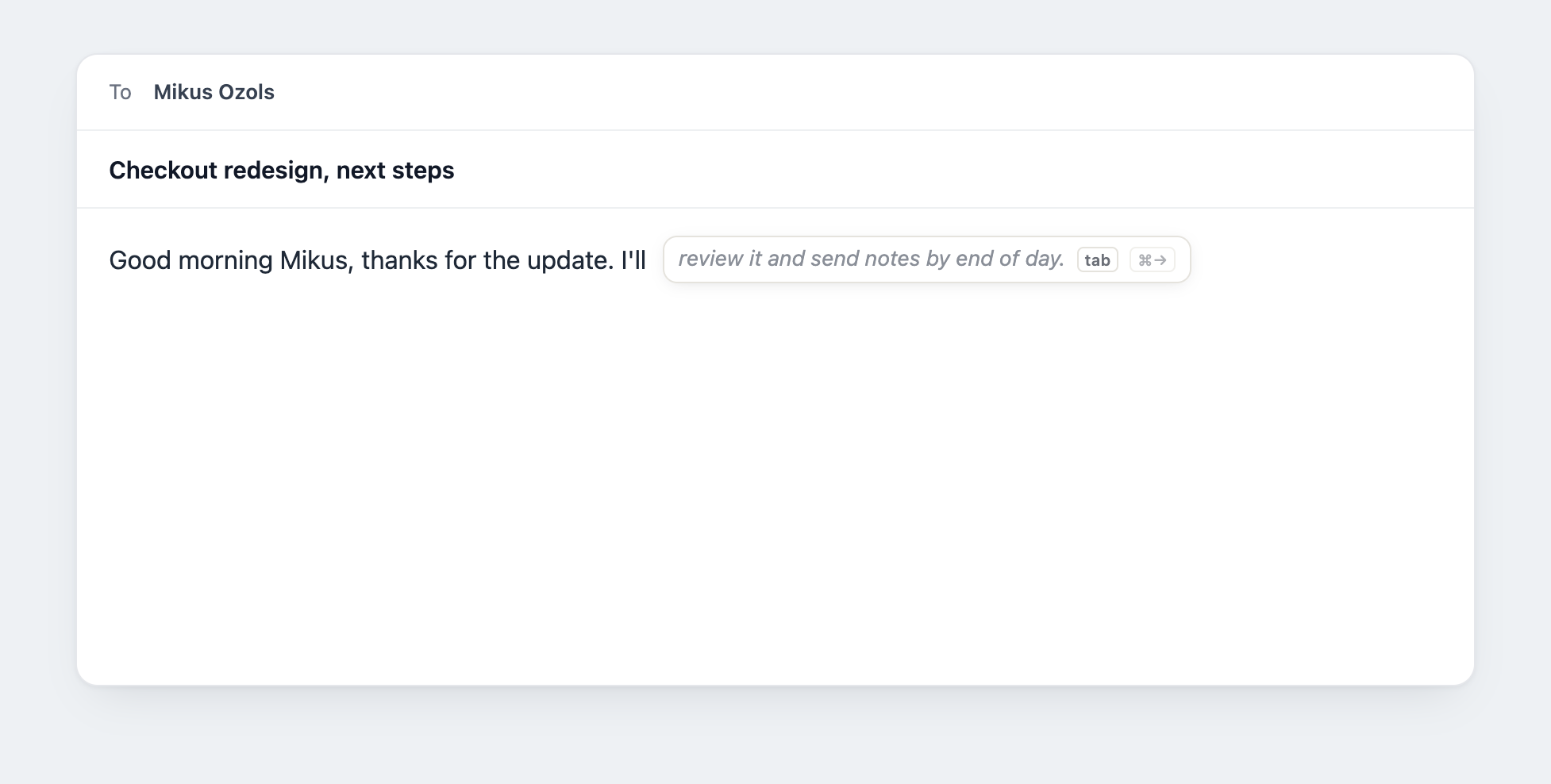
Finish the sentence with Tab
Typefix suggests the rest of your sentence as a soft, gray hint. Press Tab to accept it, or keep typing to ignore it. It only speaks up when it can save you a few words.
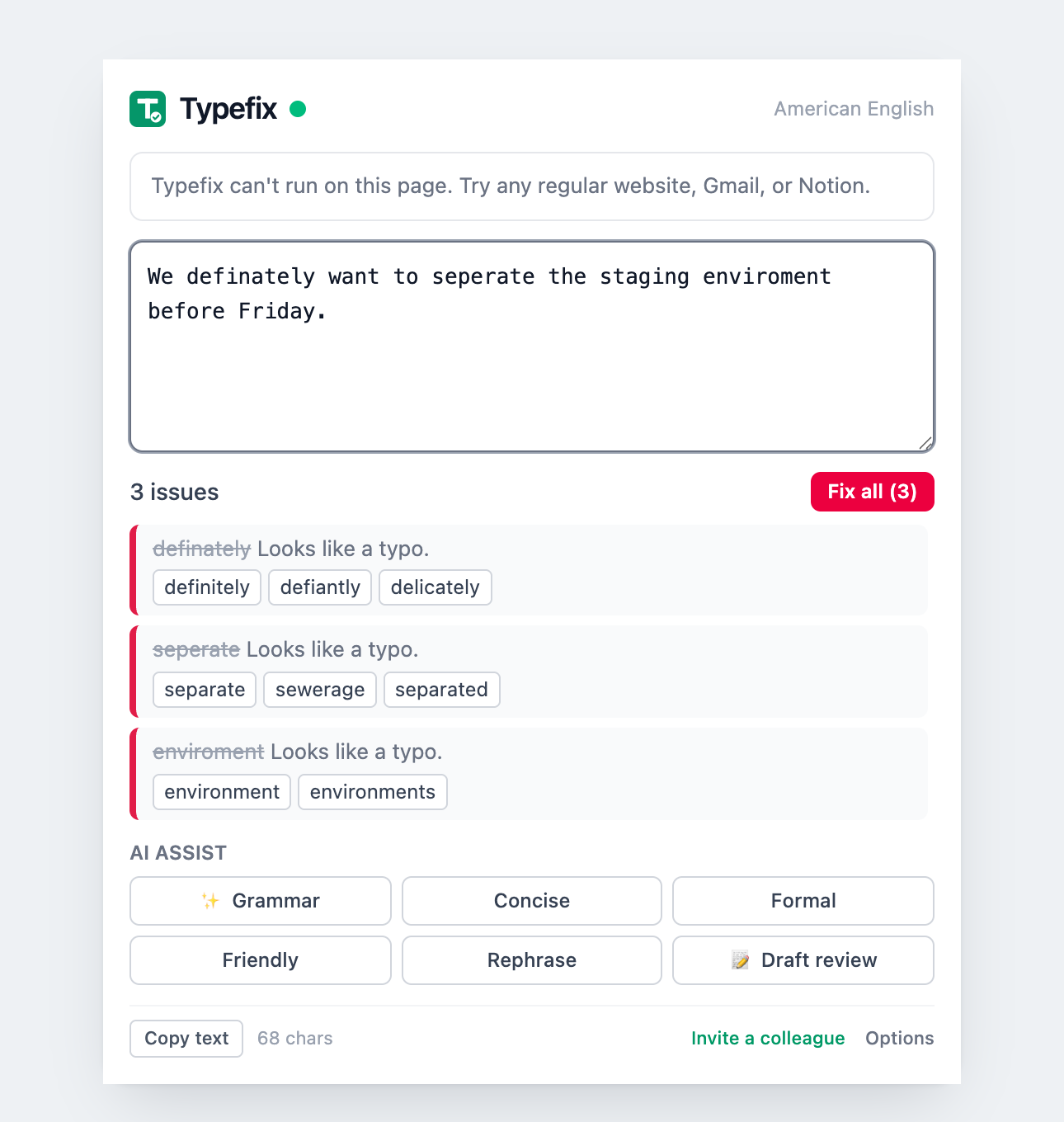
Check any text, right from the toolbar
Open the Typefix popup to paste or jot anything and get the same on-device checks, even outside a text field. Fix everything at once, or send a line to AI for a quick rewrite.
Your words stay yours
Everyday spelling and grammar run entirely on your device and work offline. When you use AI, only the text you are working on is sent, and it is never stored on our server.
See how we handle your data →One writing assistant. More places to use it.
Typefix starts in Chrome and is expanding to more browsers and the Typefix Keyboard for iPhone and iPad.
Focused today. Expanding with purpose.
you want fast corrections, focused rewriting and completion, offline core operation, real privacy, and an assistant expanding across browsers and iPhone.
you need its mature multi-platform suite, plagiarism or AI detection, or enterprise administration today.
Typefix is new, and built close to the people who use it. Every report reaches the team, and early users shape what ships next.
“Writing help should fix what matters, then get out of the way. Nothing more.”
Frequently asked questions
Is Typefix free?
Yes. Typefix is free while we are in early access. There are no plans or tiers to pick right now, and you can remove it any time.
Is my writing private?
Everyday spelling and grammar run on your device and never leave your browser. AI features send only the text you are working on to be checked, and we store anonymous usage counts, never your writing.
What languages does Typefix support?
Typefix focuses on English today, in both American and British spelling, and it is built to help native and second language writers alike. Support for more languages is on the roadmap.
Which browsers does it work in?
Typefix runs in Chrome today. More browser versions and a Typefix Keyboard for iPhone and iPad are in development.
Do I need an account?
On device corrections work on their own, with no account at all. The AI features are in limited early access: you connect a Google account, and that account needs an invite for now. Join the waitlist below and we will let you know when access opens up.
Will it nag me or clutter my screen?
No. Typefix stays quiet when nothing needs changing. There are no scores, badges, or popups competing for attention, and you can turn it off on any site.
Does it work offline?
The core spelling and grammar checks keep working with no connection. AI features need to be online.
Have another question? Visit support.
Want the AI features?
Spelling and grammar run on your device today, free and without an account. The AI rewrites are in limited early access while we keep quality high. Leave your email and we'll tell you when it opens up.